Sketchfab
3D Model
Real-time Light Demo: Rotate Lighting (Alt-Drag)
License & Attribution
Description
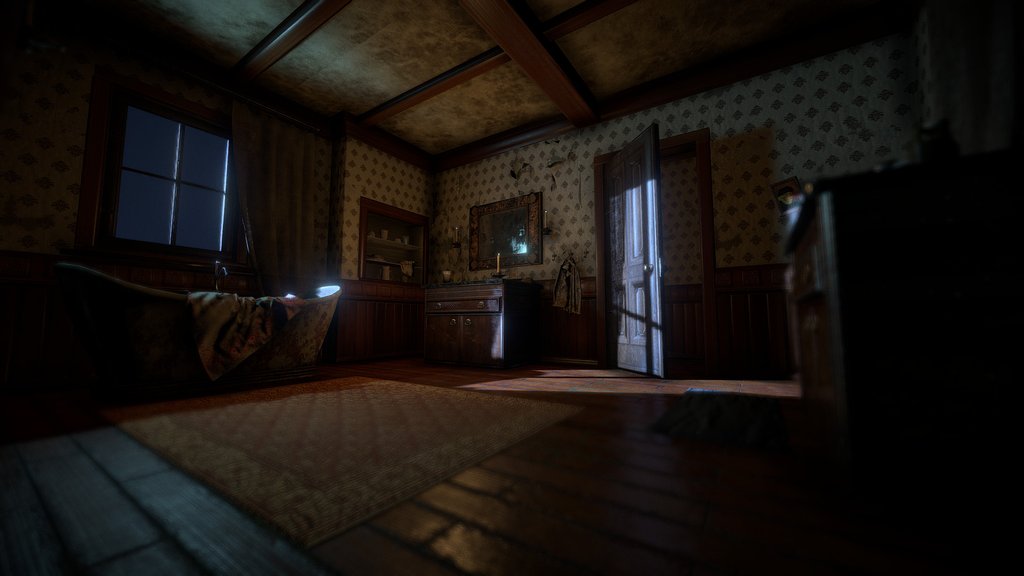
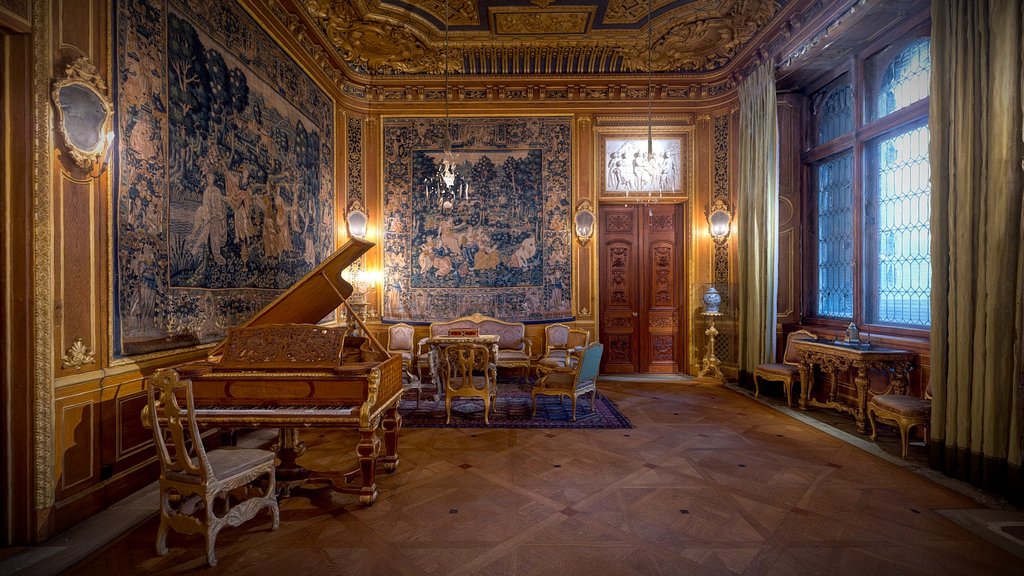
To rotate the real-time and HDR lights in a Sketchfab scene, **hold down the ALT key and left-click and drag your mouse or finger on the trackpad. On mobile, use 3 fingers to drag**. It's a great way to light your scene or discover new details! Learn about this and other viewer features [in our Help Center](https://help.sketchfab.com/hc/en-us/articles/202509026-Navigation-and-Controls#lights).
*Original model ‘[Room](https://sketchfab.com/models/6417cbc1870a4a1691cca06912ae0369)‘ published by Anex under a Creative Commons Attribution license.*
*Original model ‘[Room](https://sketchfab.com/models/6417cbc1870a4a1691cca06912ae0369)‘ published by Anex under a Creative Commons Attribution license.*
Sketchfab
3D Model
Real-time Light Demo: Rotate Lighting (Alt-Drag)
Share:
AI-Powered Productivity
Boost your creative workflow with seamless access to ChatGPT, Claude, Midjourney and other global AI platforms. We recommendTongbaofor one-click access to AI tools and remote collaboration platforms. Get 200MB free daily upon registration, supports Google Workspace, Notion, and more.
Asset Information
Type:
3D Model
Source:
Sketchfab
Author:
SketchfabProfile:
View on Sketchfab
Download:
Available
Published:
November 7, 2018
License:
CC Attribution
Commercial Use
Check License
Statistics
Downloads:
2,567
Likes:
293
Views:
12,836
Technical Specifications
Polygons:
23,821
Vertices:
23,548
Categories