Sketchfab
3D Model
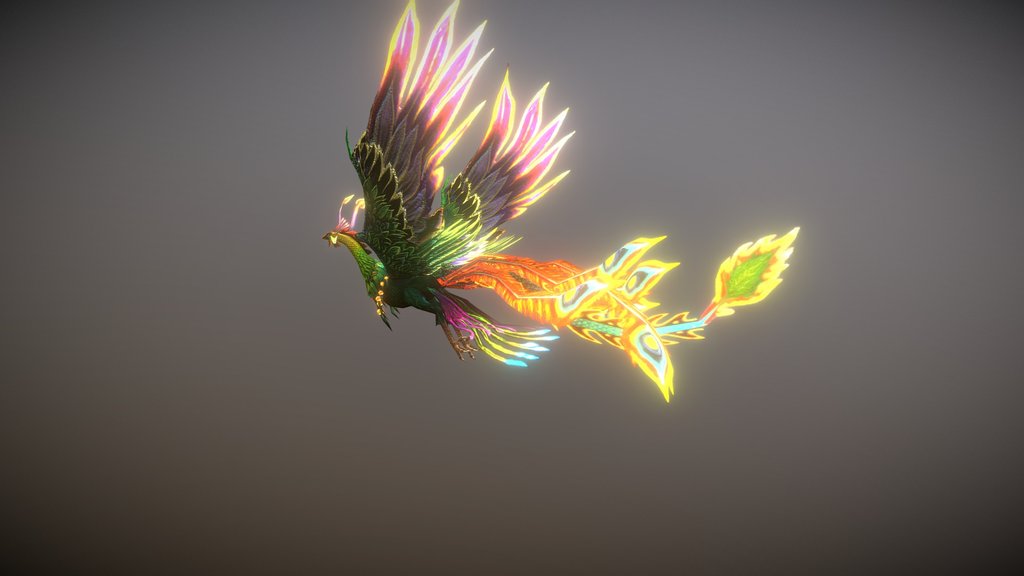
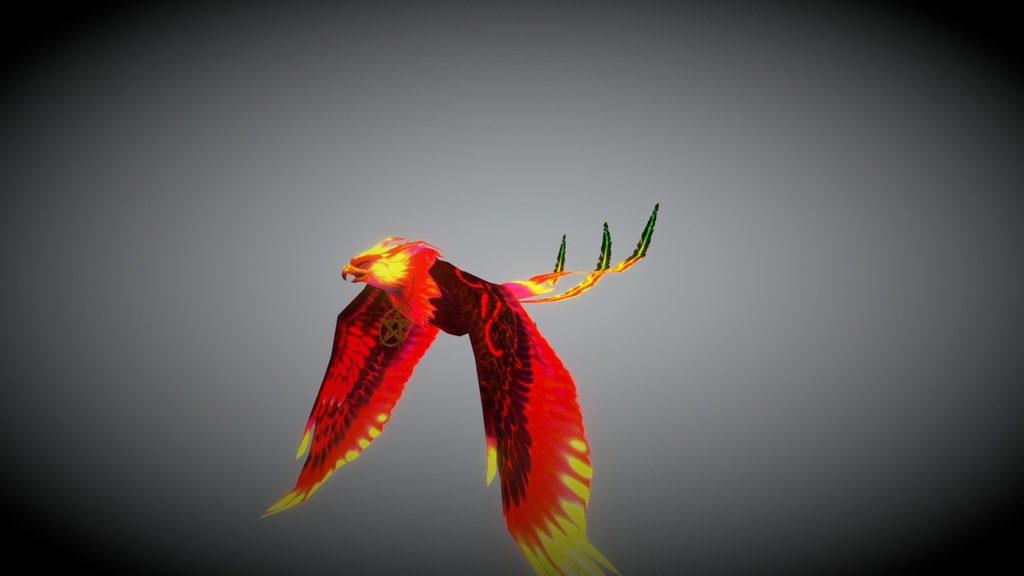
Real-time Bones Demo: Phoenix Bird
License & Attribution
Description
The Sketchfab Model Inspector allows you to view the armature of any bones-driven animation on Sketchfab. It also permits you to view the Bones weight, or the part of the model that is affected by a particular bone. To view the bones on the model above, just activate the Model Inspector (shortcut "I") and select "Bones". Alternately, you can press "6" on your number pad to view the bones, and press it again to view the bones weight. For more on this feature, head over to the [Sketchfab Help Center](https://help.sketchfab.com/hc/en-us/articles/115004862686-Model-Inspector#animation).

Original model ‘[Phoenix Bird](https://sketchfab.com/3d-models/phoenix-bird-844ba0cf144a413ea92c779f18912042)‘ published by [NORBERTO-3D](https://sketchfab.com/norberto3d) under a Creative Commons Attribution license.
Sketchfab
3D Model
Real-time Bones Demo: Phoenix Bird
Share:
AI-Powered Productivity
Boost your creative workflow with seamless access to ChatGPT, Claude, Midjourney and other global AI platforms. We recommendTongbaofor one-click access to AI tools and remote collaboration platforms. Get 200MB free daily upon registration, supports Google Workspace, Notion, and more.
Asset Information
Type:
3D Model
Source:
Sketchfab
Author:
SketchfabProfile:
View on Sketchfab
Download:
Available
Published:
February 4, 2020
License:
CC Attribution
Commercial Use
Check License
View on Sketchfab
Statistics
Downloads:
19,721
Likes:
2,042
Views:
98,606
Technical Specifications
Polygons:
4,064
Vertices:
2,203
Categories