Sketchfab
3D Model
Pivot Demo: Journey
License & Attribution
Description
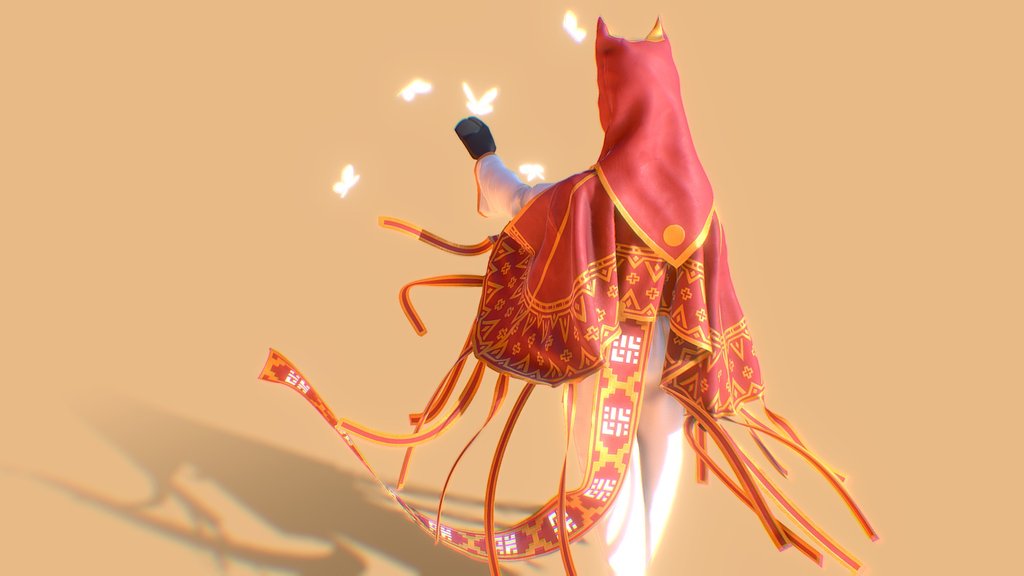
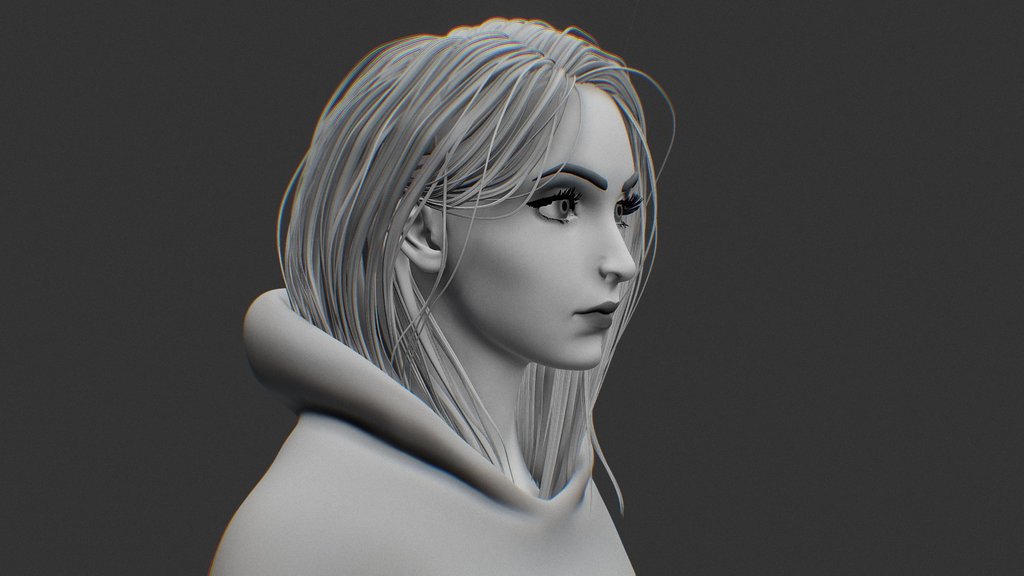
Give the model a spin. Notice how it is spinning around a central point and that central point is not at the center of the model? A pivot fix is in order! Just double-click on the background (or press spacebar on PC) to center the model (or its bounding box, to be exact). Now spin it around again and see how the model is easier to explore.
If you want to center and zoom into different parts of the model (e.g., the butterflies), double-click on them and the pivot will be adjusted again.
This technique can be used both when you are setting up your model in the 3D Editor and when you are viewing models with misplaced pivots.
For Pro members and above, you can set the pivot by activating camera constraints and moving the gizmo where you want the pivot to be. Then click on Save View.
Original model [Journey - character clothing concept](https://sketchfab.com/3d-models/journey-character-clothing-concept-147b14b62268478da7e59fa36c949bae) by [David Young](https://sketchfab.com/David_Young), available under CC-BY.
Sketchfab
3D Model
Pivot Demo: Journey
Share:
AI-Powered Productivity
Boost your creative workflow with seamless access to ChatGPT, Claude, Midjourney and other global AI platforms. We recommendTongbaofor one-click access to AI tools and remote collaboration platforms. Get 200MB free daily upon registration, supports Google Workspace, Notion, and more.
Asset Information
Type:
3D Model
Source:
Sketchfab
Author:
SketchfabProfile:
View on Sketchfab
Download:
Available
Published:
November 20, 2020
License:
CC Attribution
Commercial Use
Check License
View on Sketchfab
Statistics
Downloads:
4,825
Likes:
979
Views:
24,125
Technical Specifications
Polygons:
75,197
Vertices:
41,123
Categories