Sketchfab
3D Model
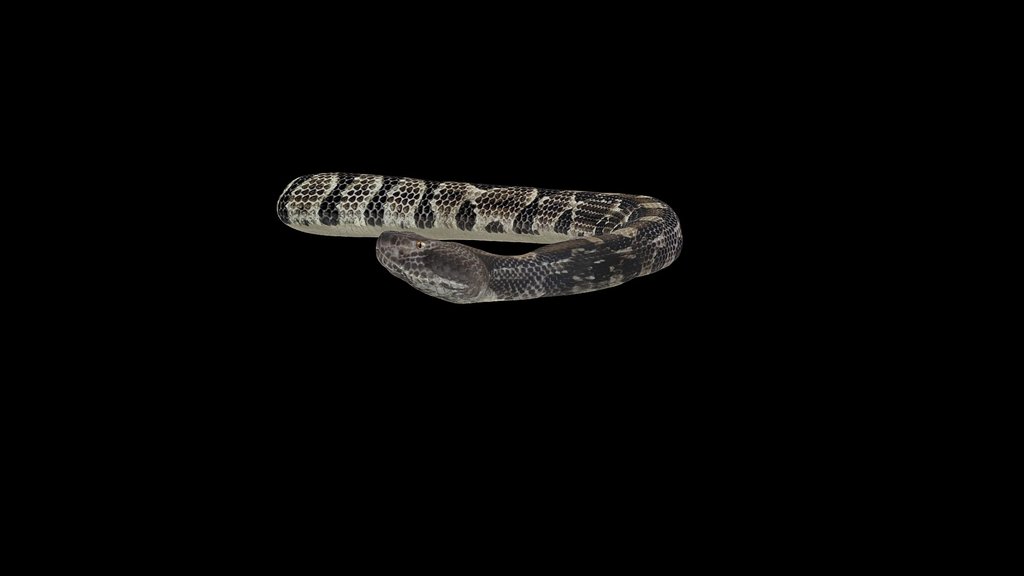
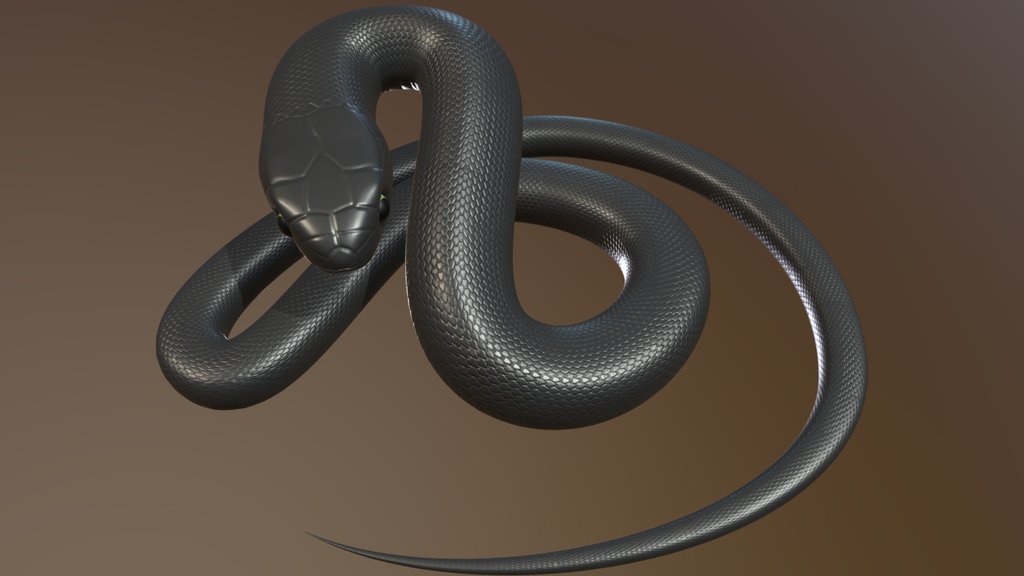
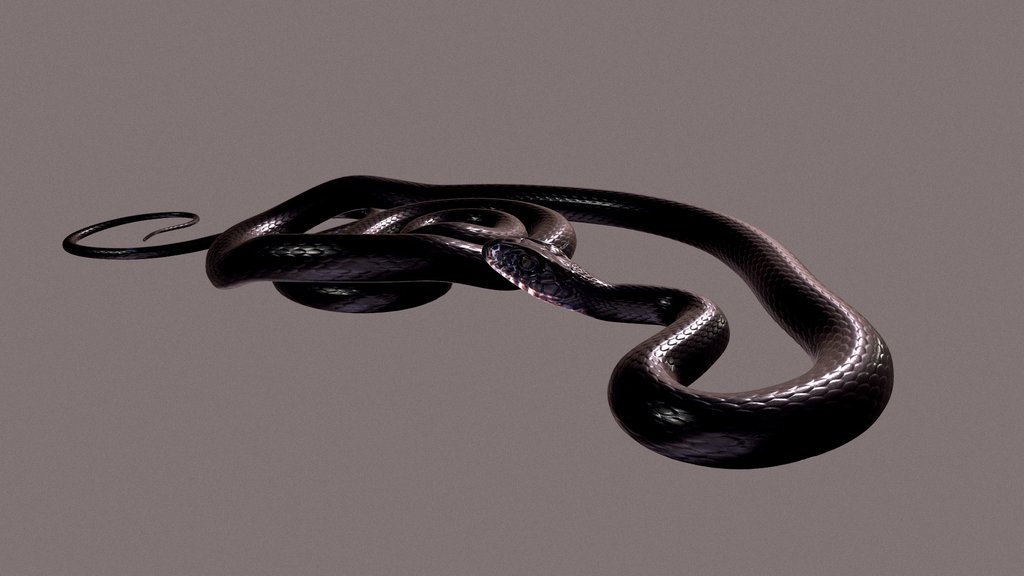
ANACONDA
License & Attribution
Description
After entering the blender, you can straighten the bones by pressing the alt-R key. (In Pose Mode you have to select all bones).
Clean UV and Rigged.
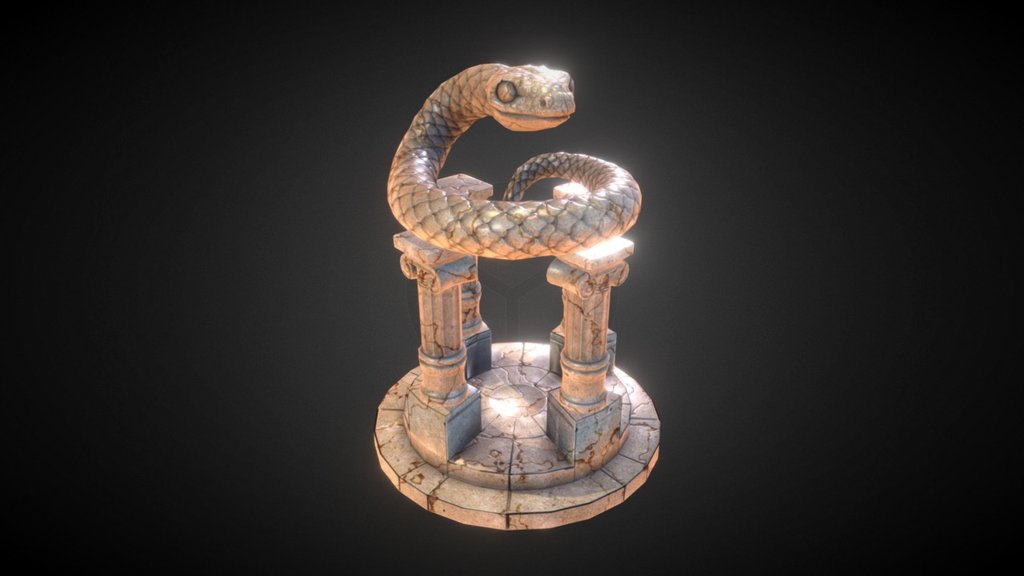
Tree model by [ Andre' Bond ].
Thank you and good work.
My ArtStation account: https://www.artstation.com/cenkerturhan1
Sketchfab
3D Model
ANACONDA
Share:
AI-Powered Productivity
Boost your creative workflow with seamless access to ChatGPT, Claude, Midjourney and other global AI platforms. We recommendTongbaofor one-click access to AI tools and remote collaboration platforms. Get 200MB free daily upon registration, supports Google Workspace, Notion, and more.
Asset Information
Type:
3D Model
Source:
Sketchfab
Author:
Cenker TurhanProfile:
View on Sketchfab
Download:
Available
Published:
January 3, 2021
License:
CC Attribution
Commercial Use
Check License
View on Sketchfab
Statistics
Downloads:
2,933
Likes:
183
Views:
14,667
Technical Specifications
Polygons:
1,494,004
Vertices:
747,008
Categories