Sketchfab
3D Model
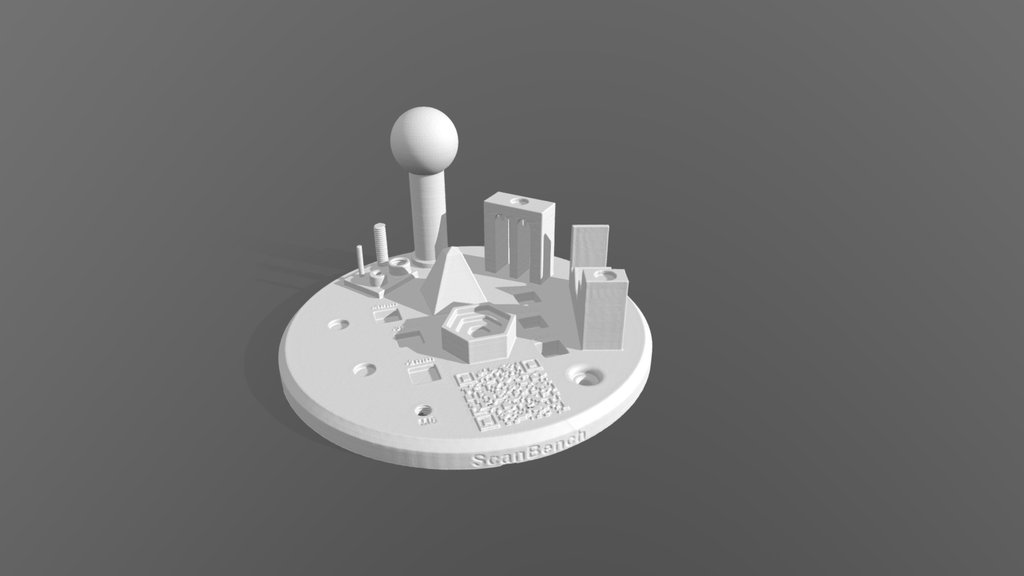
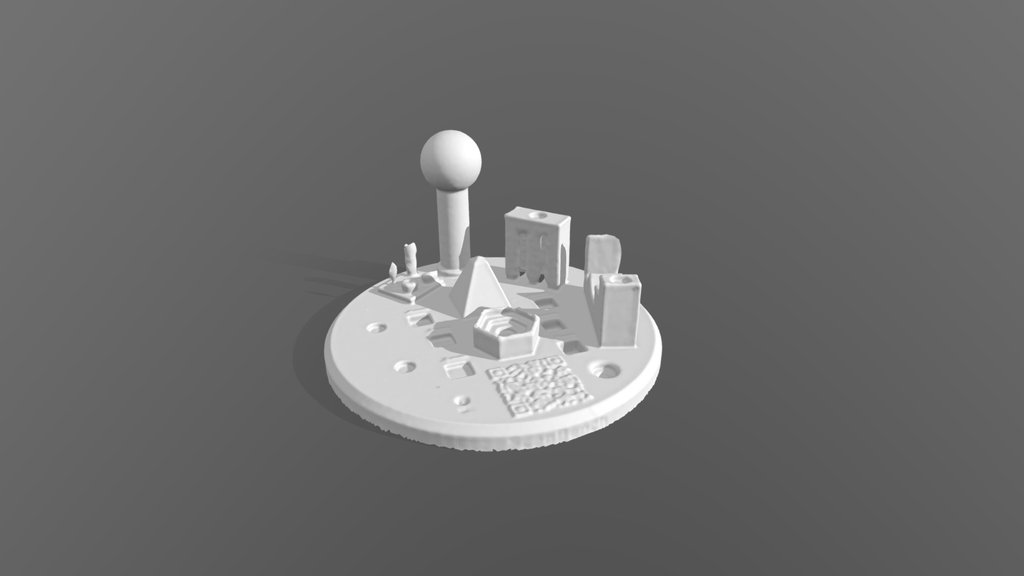
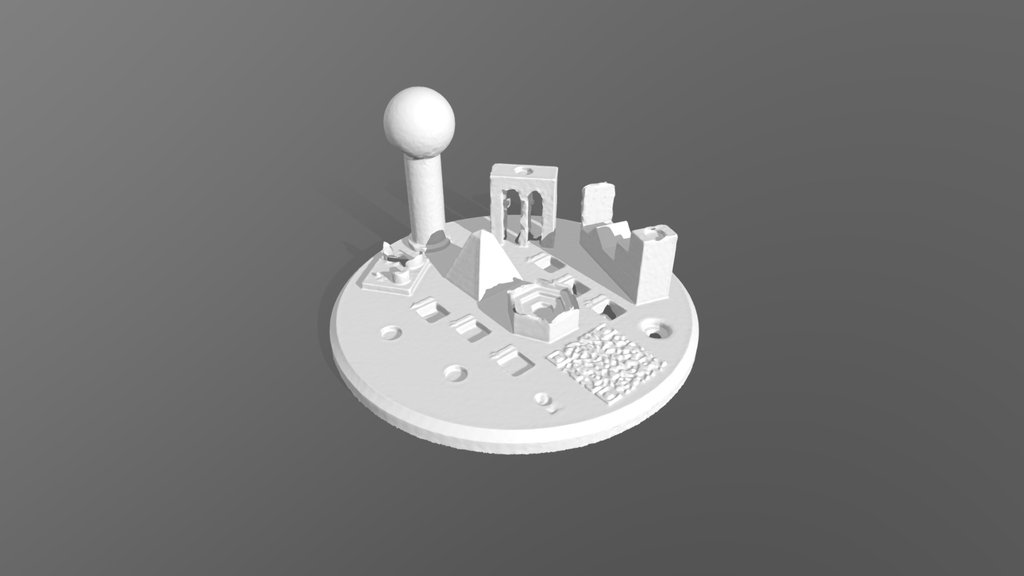
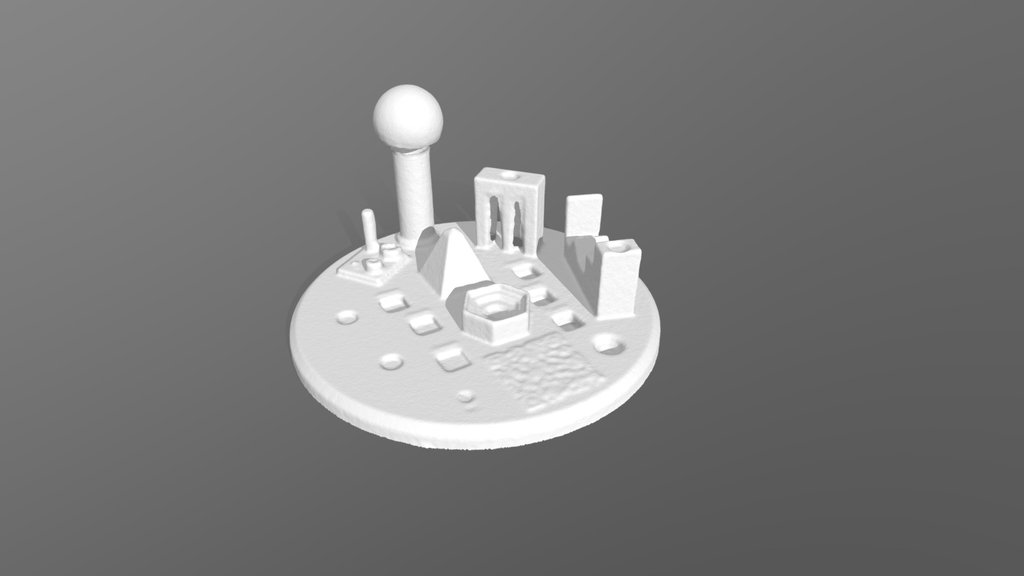
Scan Bench - Creality Sermoon P1 Laser
License & Attribution
Description
## Scanning
The scans were captured with wireless connection to my workstation to capture the data faster (~80FPS over WiFi).
For the laser scan marker tracking was used. The scan bench was placed on a turntable with marker geometries placed around it to allow scanning from shallower angles (as seen in last picture). The resolution was set to 0.1mm and exposure was adjusted so the white print wasn't overexposed. For laser mode I used a combination of cross, parallel and single line mode, changing them can be done by double pressing the scan start button on the scanner.
## Post-Processing
For both scans processing was done using the recommended settings within CrealityScan. This is basically only Fusion since it already generates a mesh at this step which can directly be exported.
After exporting the meshes I used Quicksurface to align the meshes to the coordinate system and each other.
Sketchfab
3D Model
Scan Bench - Creality Sermoon P1 Laser
Share:
AI-Powered Productivity
Boost your creative workflow with seamless access to ChatGPT, Claude, Midjourney and other global AI platforms. We recommendTongbaofor one-click access to AI tools and remote collaboration platforms. Get 200MB free daily upon registration, supports Google Workspace, Notion, and more.
Asset Information
Type:
3D Model
Source:
Sketchfab
Author:
PrintedForFunProfile:
View on Sketchfab
Download:
Available
Published:
March 18, 2026
License:
CC Attribution-NonCommercial
Commercial Use
Check License
View on Sketchfab
Statistics
Downloads:
4
Likes:
0
Views:
21
Technical Specifications
Polygons:
3,514,730
Vertices:
1,761,397
Categories